

View the following instructions to learn how to edit stiles and rails from the Build page on Anytime Online. For more details on how to begin an online order, visit the Get Started Guide: Submit Orders on Anytime.
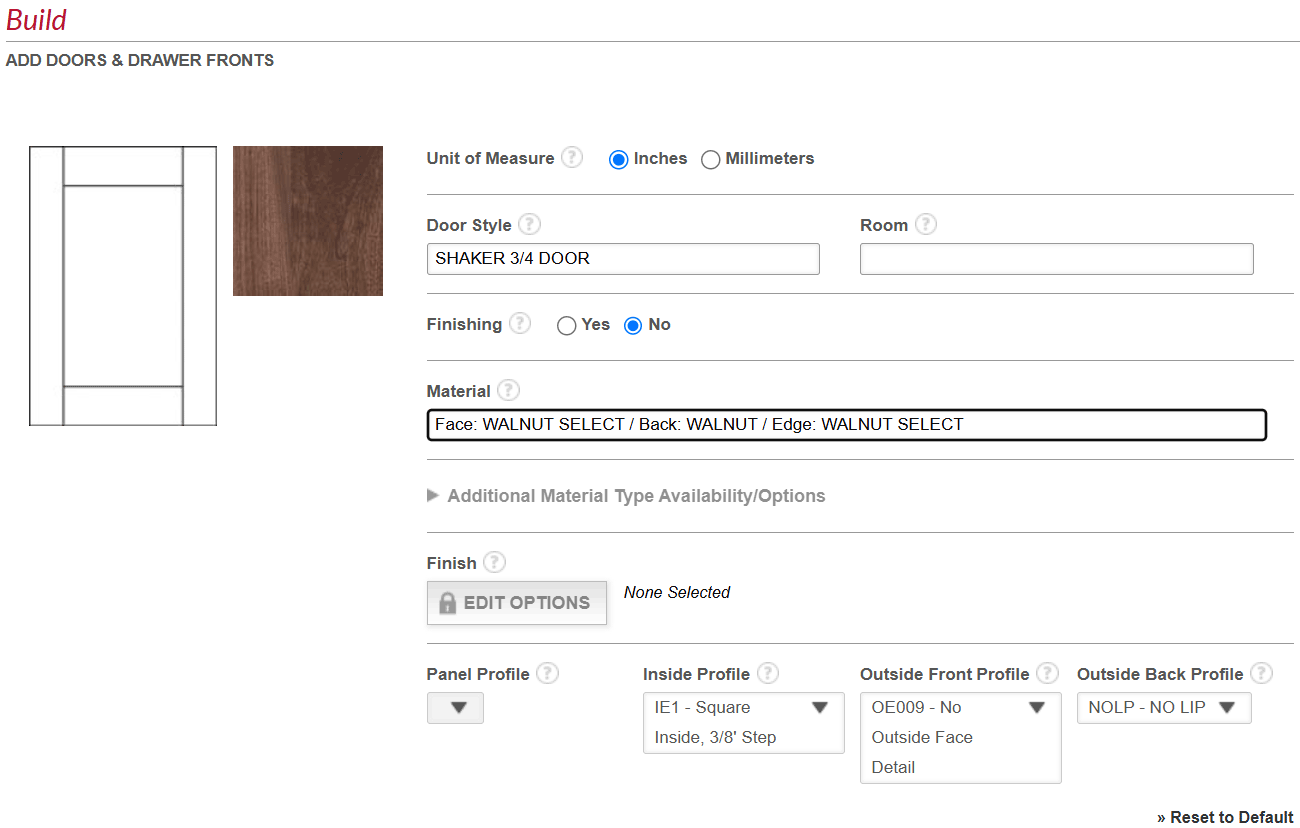
- After selecting Add Doors and Drawer Fronts on the main order screen, begin creating your design by selecting the Door Style, Material, and other specifications that are applicable.
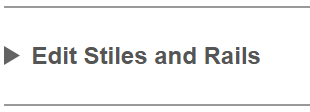
- Then, click the drop down arrow to the left of "Edit Stiles and Rails".
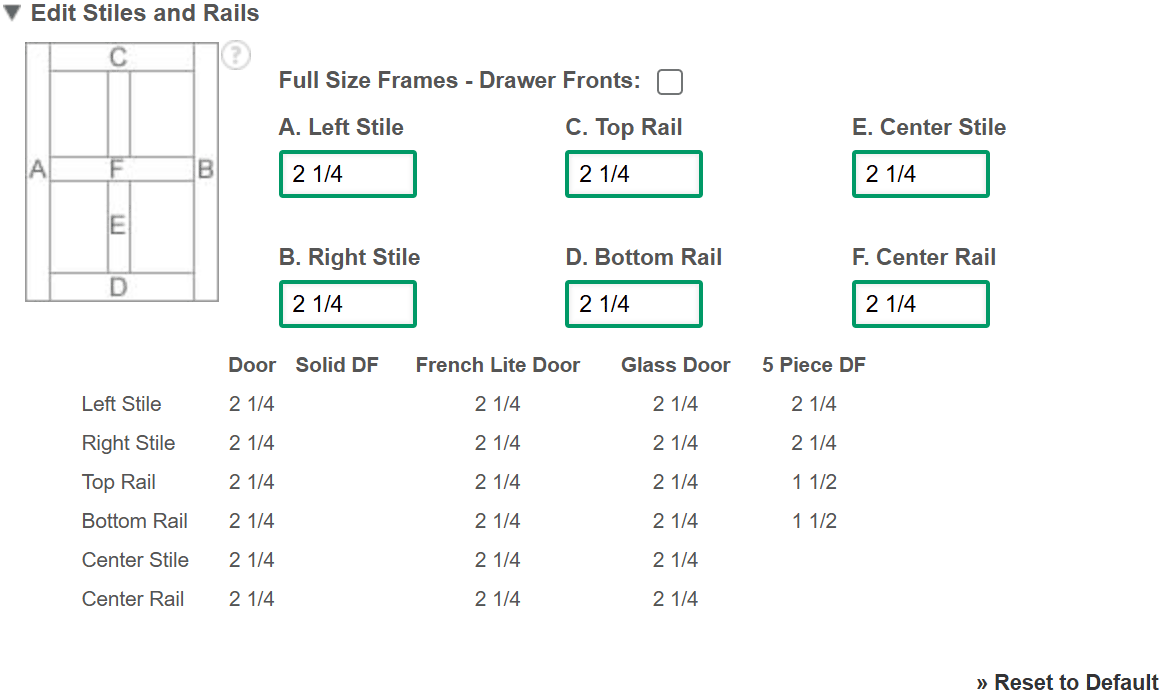
- Default measurements will appear for each stile and rail. Type your desired measurements in boxes A - F, as needed.
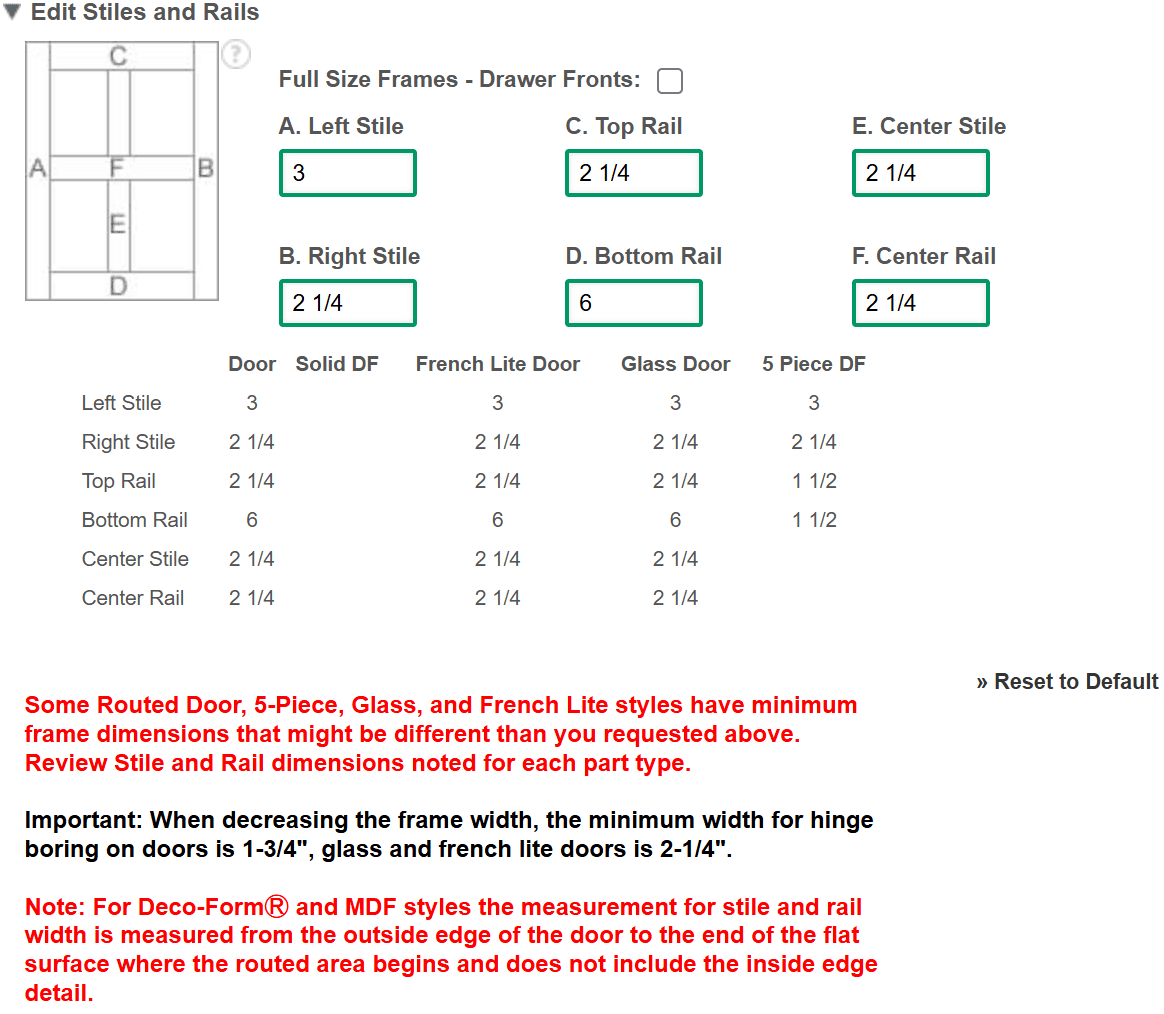
After entering your dimensions, verify that the dimensions in the chart below boxes A - F have updated correctly. This confirms the change is acceptable.
Note: If you would like to return to the default measurements, select "Reset to Default" at the bottom right of the "Edit Stiles and Rails" section.
- Once complete, click "Save" at the bottom right.
- Continue to build your order.
Note: View the article "Ordering Standard & Full Size 5-Piece Drawer Fronts on Anytime Online" to learn how to add both drawer front styles in Anytime® Online.