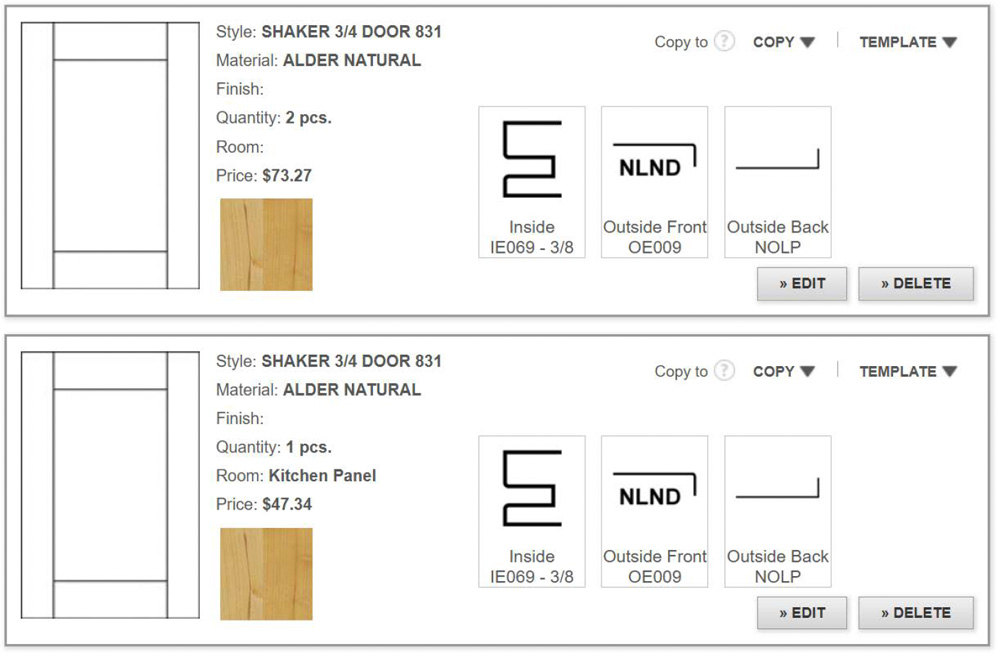
Use Anytime's "Copy to Edit" feature to duplicate an existing door and make adjustments as needed. View instructions below.
- Add a door to your Anytime Online order.
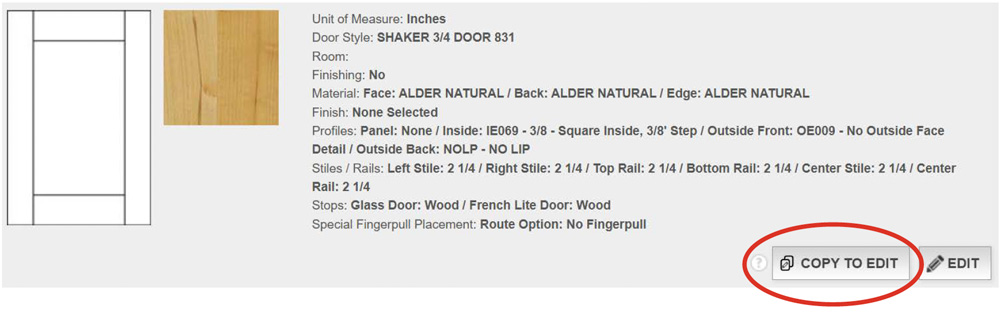
- Click “Copy To Edit” on the door you would like to duplicate and modify.
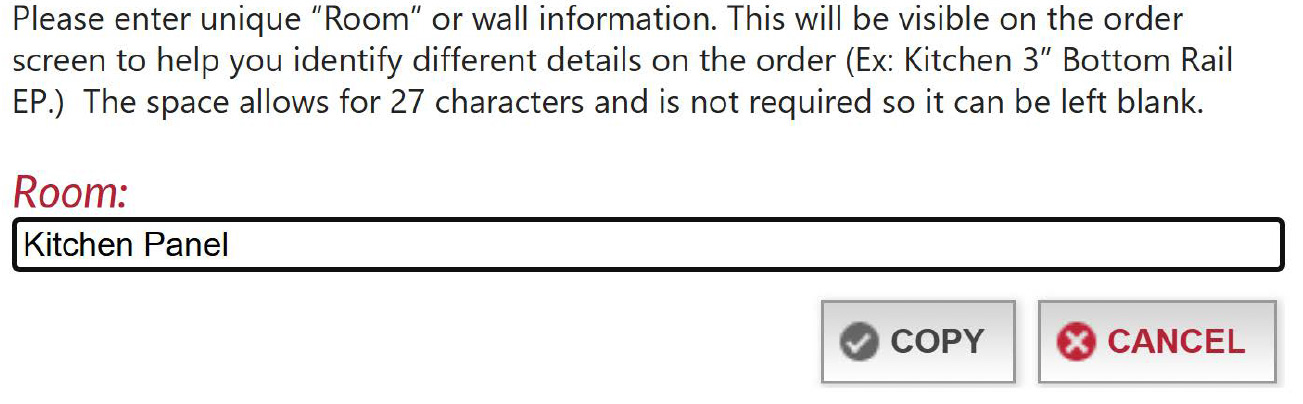
- Enter a new “Room” name, then click “Copy”.
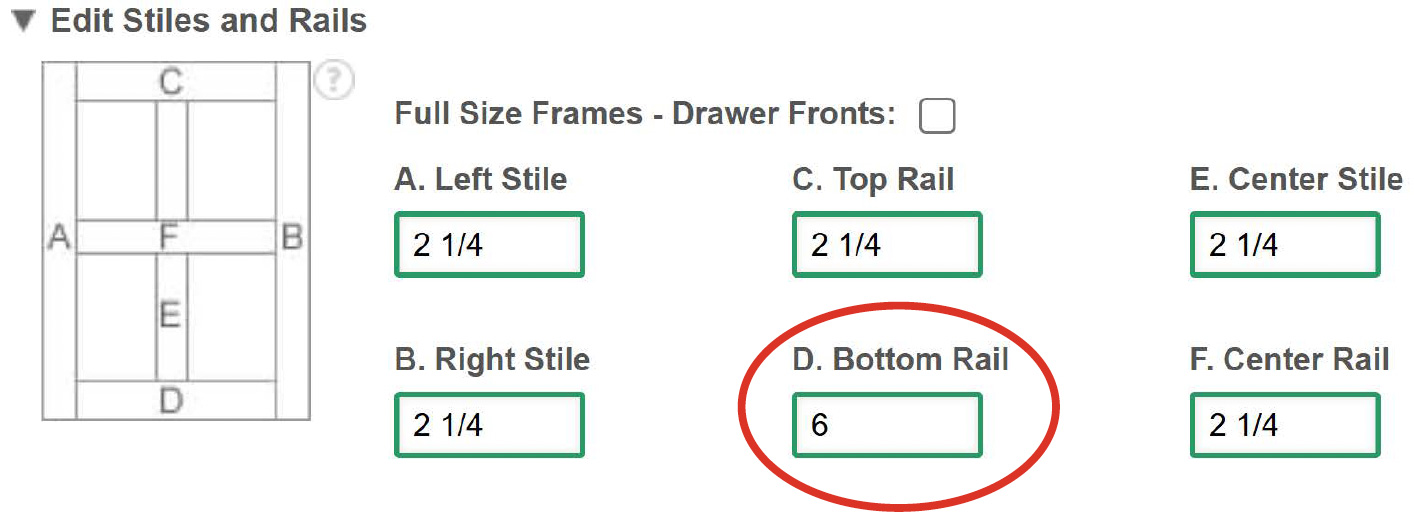
- Adjust frame dimensions, materials, and profiles, as needed.
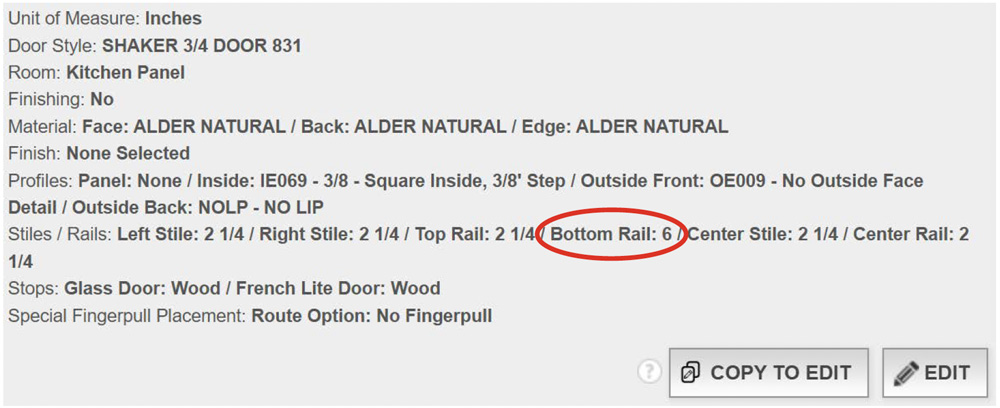
Example: The following Shaker 3/4 Door has been modified with a 6" bottom rail
- When finished, click “Save”.
- Enter the desired quantity, type, width, height, etc.
Example: Modifications are displayed as shown below. - Then, click "Add".
The modified product will be displayed separately from the original door.