

With Anytime Online, ordering custom cabinetry is simple and built to keep projects moving. View the tips below for quick ways to make the modifications your customers are requesting and review your cabinet drawings before ordering.
- Place Upper Cabinets on Countertop
- Change Pullout Heights
- Configure Cabinets with Multiple Drawers
- Build a Custom Height Island
- Review Cabinet Drawings Before Ordering
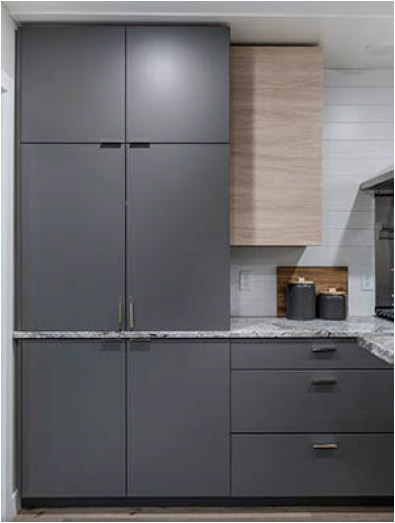
Place Upper Cabinets on Countertop
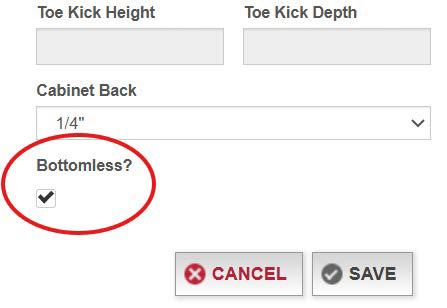
Begin by configuring a pantry cabinet. Then, select "Bottomless".
Change Pullout Heights
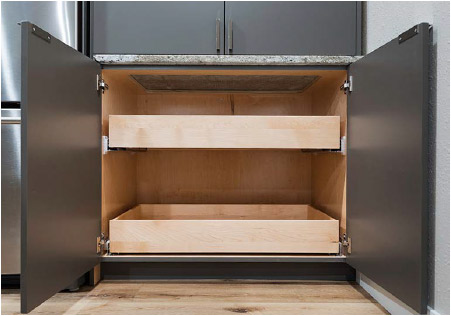
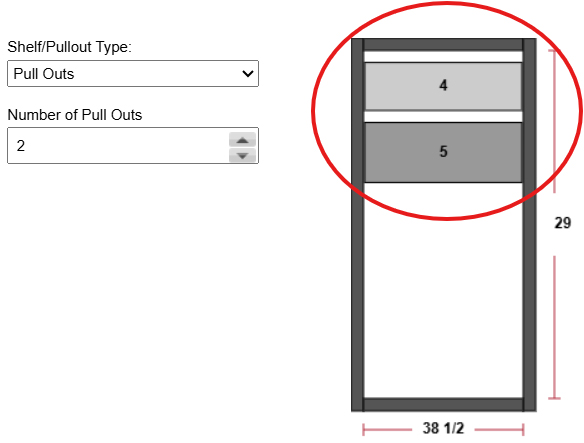
Click "Pullouts" to the right of the cabinet drawing.
Tip: Pullouts can be installed anywhere in the drawer opening, including at the bottom of the cabinet.
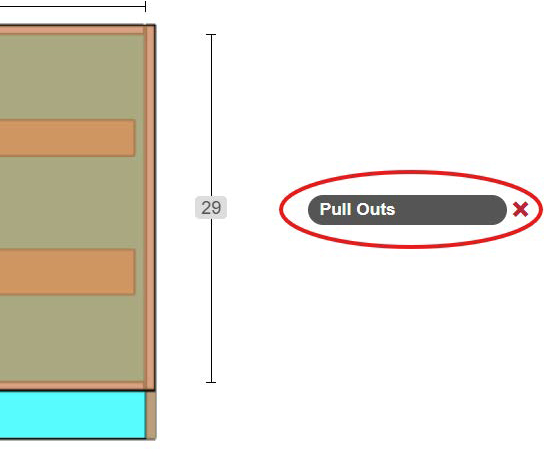
Click on one of the pullouts in grey.
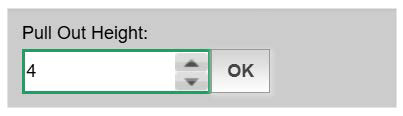
Enter the desired pullout height in the dialog box. Then, click "OK".
When finished setting all pullout heights, click "Apply" at the bottom right.
Configure Cabinets with Multiple Drawers
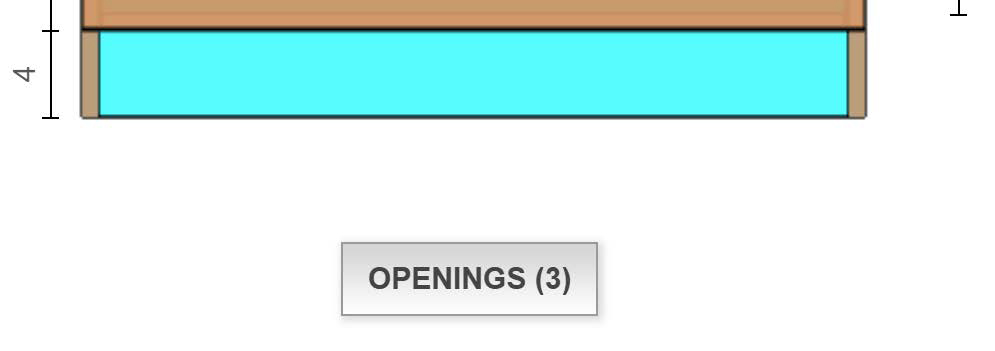
Select "Openings" below the cabinet drawing. Then, apply the number of desired drawer openings.
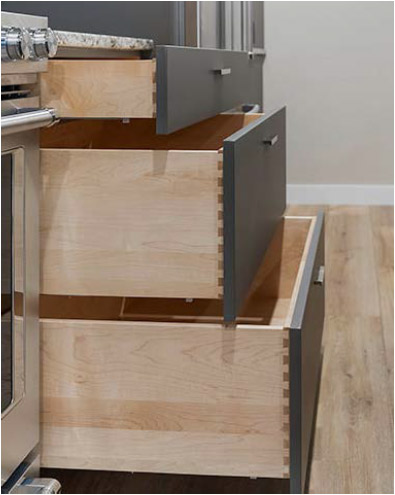
Click the dropdown to the left and select your drawer configuration, such as "Single Drawer".
Then, to adjust the drawer front height, click the gear icon to the left of the dropdown.
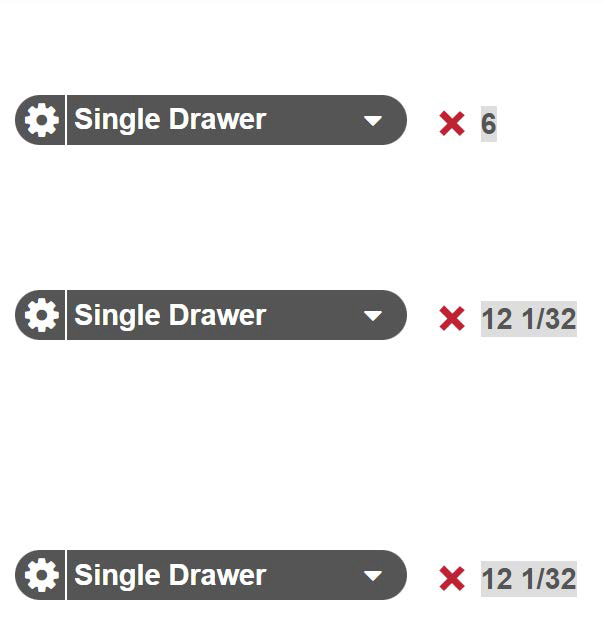
Enter the desired drawer front height and click "OK".
For each drawer opening, repeat the steps of selecting the drawer configuration and setting the drawer front height.
Tip: The bottom height is a calculated based off the other drawer front heights.

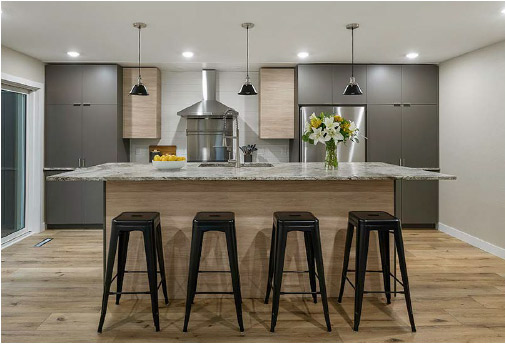
Build a Custom Height Island
Streamline RTA Cabinets can be ordered at custom sizing up to 1/32".
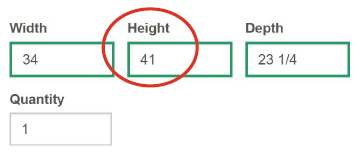
Adjust the height under "Configuration".
Review Cabinet Drawings Before Ordering
At the top of the Build page, select "Print Cab Boxes".
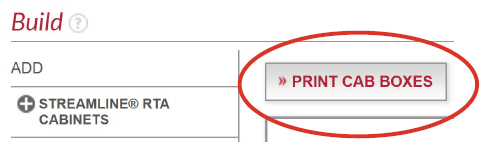
Follow the steps of printing the PDF, or click "cancel" to simply view the file digitally.
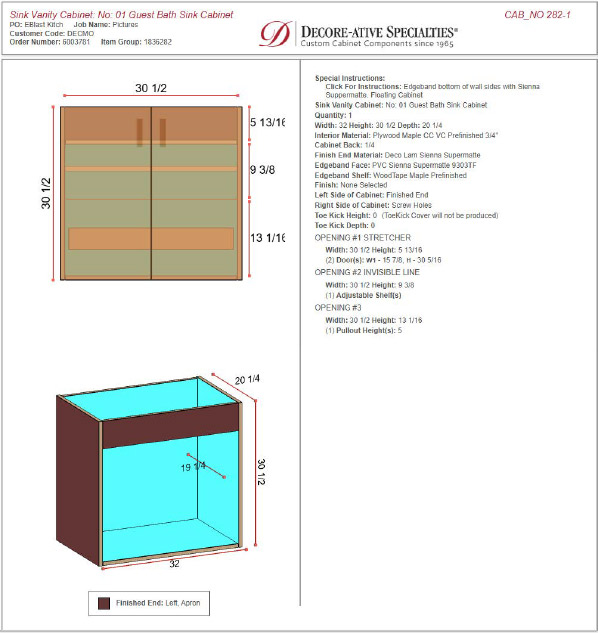
Scroll down about halfway in the PDF to view cabinet drawings and detailed information about your order.
Click the Anytime tab in the browser to return to the Build page and make edits to your order, as needed.
View Gallery
Learn more about the products and materials featured throughout this article by clicking the Gallery image below.
For instructions on how to order Streamline RTA Cabinets on Anytime Online, view the tutorial "Streamline RTA Cabinets - Configuring Your Cabinet".